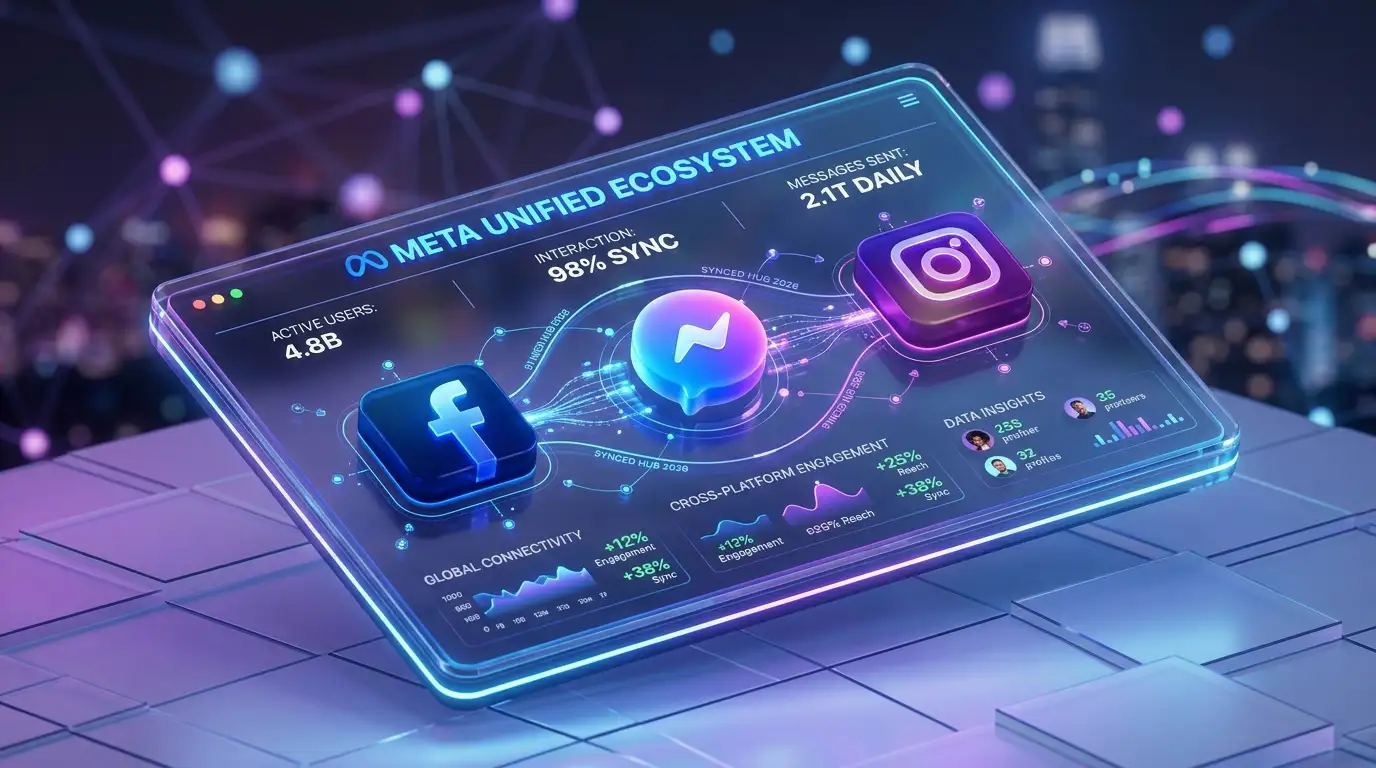
Navigating the digital landscape in 2026 requires more than just posting updates; it demands a unified strategy across Meta’s entire ecosystem. Facebook Business Suite (now often referred to within the integrated Meta Business Suite) serves as the central nervous system for businesses aiming to harmonize their presence on Facebook, Instagram, and Messenger. This guide explores the latest tools and features designed to streamline your workflow and amplify your brand reach.
Why Unified Management Matters Today
The fragmentation of digital attention means your audience interacts with your brand across multiple touchpoints. Managing these interactions individually is no longer sustainable. Business Suite centralizes your notifications, scheduling, and insights. This integration ensures a consistent brand voice while saving hours of manual labor every week.
Boost your online visibility and drive measurable growth today with our expert SEO strategies tailored for 2026’s evolving digital landscape.
Getting Started: Setting Up Your Workspace
Before diving into advanced features, ensure your foundational setup is robust. You must link your Facebook Page and Instagram Professional account within the Meta Business Manager. Once connected, the dashboard provides a bird's-eye view of your entire social presence.
-
Verify your Business Account: Security is paramount in 2026. Use two-factor authentication to protect your assets.
-
Assign Role Permissions: Give team members specific access levels—from Editor to Analyst—to maintain control.
-
Sync your Assets: Ensure your product catalogs and ad accounts are correctly mapped to the suite.
Advanced Scheduling and Content Orchestration
The 2026 version of the Planner tool offers predictive scheduling. It analyzes when your specific followers are most active and suggests optimal posting windows. You can draft stories, reels, and feed posts months in advance, allowing for a more strategic approach to seasonal campaigns.
Leveraging the Content Calendar
The visual calendar helps identify gaps in your content strategy. By looking at the month ahead, you can balance promotional posts with educational content and community engagement. This bird's-eye view prevents repetitive messaging and ensures a diverse content mix.
Automating Routine Posts
Use the "Bulk Upload" feature for evergreen content. This allows you to maintain a baseline level of activity even during busy periods. However, always leave room for timely, trending topics that require a human touch and immediate reaction.
Master the Inbox: Communication at Scale
Engagement is the currency of social media. The unified inbox in Business Suite merges comments and direct messages from both Facebook and Instagram into a single stream. In 2026, the integration of smart automated responses has become more sophisticated, allowing businesses to handle common queries without manual intervention.
-
Set Up Instant Replies: Greet customers the moment they reach out.
-
Create Saved Replies: Store answers to frequently asked questions about pricing or hours.
-
Use Assignment Tags: Route specific messages to the right team member, such as sales or customer support.
Deep Dive into Analytics and Insights
Data-driven decision-making distinguishes successful brands from the rest. The Insights tab provides a comprehensive breakdown of your performance. Instead of looking at vanity metrics like "likes," focus on meaningful data points that reflect true engagement and conversion.
Tracking Audience Demographics
Understanding who follows you is as important as knowing how many people follow you. Business Suite provides detailed breakdowns of age, location, and interests. In 2026, these insights include cross-platform behavior patterns, showing how users move from an Instagram Reel to a Facebook Shop.
Maximize your sales potential and find high-quality prospects with our specialized lead generation services designed to scale your business quickly.
Content Performance Analysis
Analyze which formats perform best. Are your followers engaging more with long-form video or carousel posts? Use the "Export" feature to share these reports with stakeholders and refine your creative briefs for the following quarter. You can find more details on official Meta business resources regarding specific metric definitions.
E-commerce Integration and Social Selling
The bridge between social media and sales has never been shorter. Facebook Business Suite allows you to manage your "Shop" directly. You can tag products in your posts, manage inventory, and track the entire customer journey from discovery to checkout.
-
Curate Collections: Group products into themes to help users find what they need.
-
Tag Products in Reels: Capitalize on the high engagement rates of short-form video.
-
Monitor Shop Insights: See which products are being viewed and where users are dropping off in the funnel.
Strategic Advertising within the Suite
While the Ads Manager remains the powerhouse for complex campaigns, Business Suite offers a simplified "Promote" feature for quick boosts. This is ideal for amplifying high-performing organic content to reach a wider, targeted audience. For a more technical look at ad structures, check out IAB’s guidelines on digital advertising to ensure your creative meets industry standards.
Testing Creative Variations
Don't settle for a single ad version. Use the suite to run simple A/B tests on headlines or call-to-action buttons. Small tweaks often lead to significant improvements in click-through rates. Monitor these tests closely to see which resonates most with your 2026 audience.
Community Management and Brand Safety
Maintaining a positive brand image requires active moderation. The suite includes tools to filter out "spammy" comments and block specific keywords. This automation protects your community and ensures your brand remains a safe space for interaction.
-
Keyword Filtering: Automatically hide comments containing offensive language.
-
Review Tagged Posts: Control which user-generated content appears on your profile.
-
Manage Notifications: Customize alerts so you only see the most urgent interactions during off-hours.
The Future of Social Management: Trends for 2026
As we move further into 2026, the focus shifts toward immersive experiences. Expect deeper integration with augmented reality (AR) tools within the suite. Brands that experiment with AR filters and interactive stories will likely see higher retention rates. Staying updated via TechCrunch’s social media coverage can help you spot these shifts before they become mainstream.
Personalized Customer Journeys
The trend for 2026 is hyper-personalization. Use the data in your suite to segment your audience and deliver tailored messages. A repeat customer should see different content than someone who just discovered your brand. This level of detail builds long-term loyalty and increases the lifetime value of each follower.
Optimizing Your Workflow for Efficiency
Time management is often the biggest challenge for social media managers. Use the mobile app version of the Business Suite for on-the-go monitoring, but stick to the desktop version for deep analytical work and heavy content scheduling.
-
Batch Your Work: Dedicate specific days to content creation and others to data analysis.
-
Use Templates: Standardize your reporting and creative layouts to speed up production.
-
Collaborate in Real-Time: Use the "Notes" feature within the suite to communicate with teammates about specific posts or messages.
Create a seamless and stunning user experience that converts visitors into loyal customers with our professional UI/UX design solutions.
Navigating Technical Challenges
Occasionally, you might encounter syncing issues between platforms. Most problems stem from outdated app versions or disconnected permissions. Regularly check your "Business Settings" to ensure all assets are healthy. For deep technical troubleshooting on web-related issues, Mozilla’s Web Documentation offers great insights into how cross-site tracking and data management work.
Keeping Your Data Secure
With the increase in digital footprints, data privacy is a top priority for users in 2026. Ensure your business complies with the latest privacy regulations by clearly stating how you use customer data collected through your social shops and lead forms.
Conclusion: Staying Competitive in a Meta World
Mastering the Facebook Business Suite is no longer optional for brands that want to thrive. By centralizing your operations, leveraging deep insights, and staying ahead of technological trends, you position your business for sustained growth. The tools available in 2026 offer unprecedented power to connect with audiences in meaningful ways. Start exploring these features today to build a more resilient and responsive digital presence.
Transform your brand’s digital identity with high-end web development that ensures your site is fast, secure, and ready for future growth.
Frequently Asked Questions
1. Is Facebook Business Suite free to use?
Yes, the core features of the suite are free for all businesses with a Facebook Page or Instagram Professional account. You only pay for the advertising spend if you choose to run paid campaigns.
2. Can I manage more than one business in the suite?
Absolutely. You can switch between different business accounts and pages using the dropdown menu in the top left corner of the dashboard.
3. Does the suite work for small businesses or just large ones?
It is designed for businesses of all sizes. Small businesses benefit from the time-saving automation, while larger enterprises value the robust team management and analytical tools.
4. Can I schedule Reels for both Instagram and Facebook?
Yes, the Planner tool allows you to upload a single video and schedule it as a Reel for both platforms simultaneously, with the option to customize the captions for each.
5. Why are my Instagram messages not showing up in the suite?
Ensure that your Instagram account is set to "Professional" and that you have granted permission for the suite to access your messages in the Instagram app settings.